
Kids mark it done
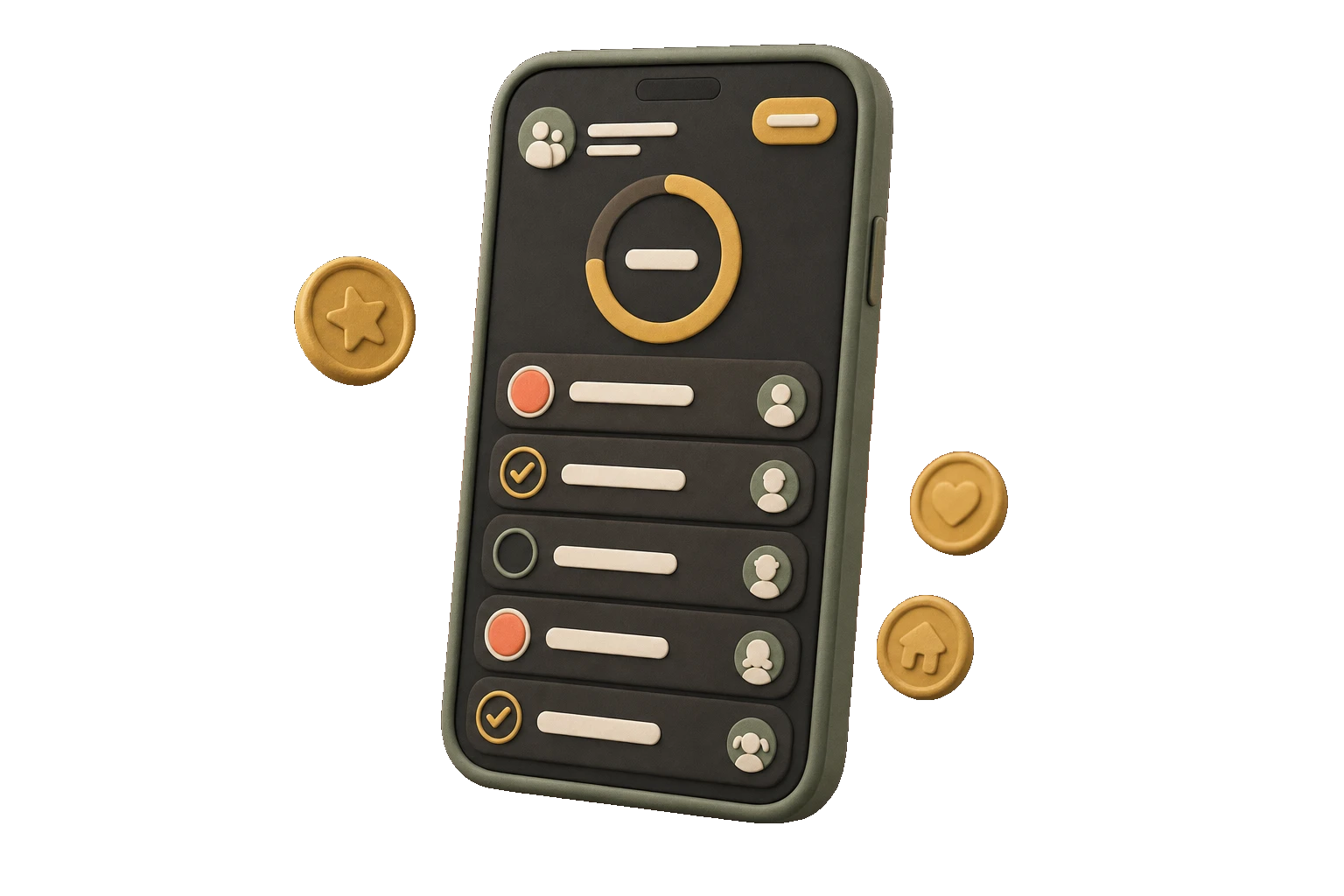
Each child sees their own list.
Tell ChoreCred each child’s age. Answer three quick questions about your home. Get a ready-to-use starter plan of chores that actually fit your family.
Free to download · 14-day full trial · iPhone, iOS 17+


Private on purpose
No ads No analytics No kid accounts Family data stays on your devices by default.ChoreCred starts with each child’s age and three facts about your home, then suggests chores you can review, edit, and use.
Ready to review
Four chores that fit this age and home.

Make Your BedDaily · 1 token

Clear the TableDaily · 2 tokens

Feed the PetDaily · 1 token
Empty the Small Trash CansWeekly · 2 tokens
Review and edit every chore before adding it.
Build your family’s starter planWatch one chore move from a kid’s list to parent approval and earned screen-time minutes. The whole loop takes nine seconds.
Each child sees their own list.
Tokens land after a parent checks the work.
One token equals five minutes.
These are the same ten screens shown on the App Store. Swipe through them or tap any screen for a closer look.
Swipe or tap to open
ChoreCred also keeps the family calendar, grocery list, household notes, and weekly wrap together.
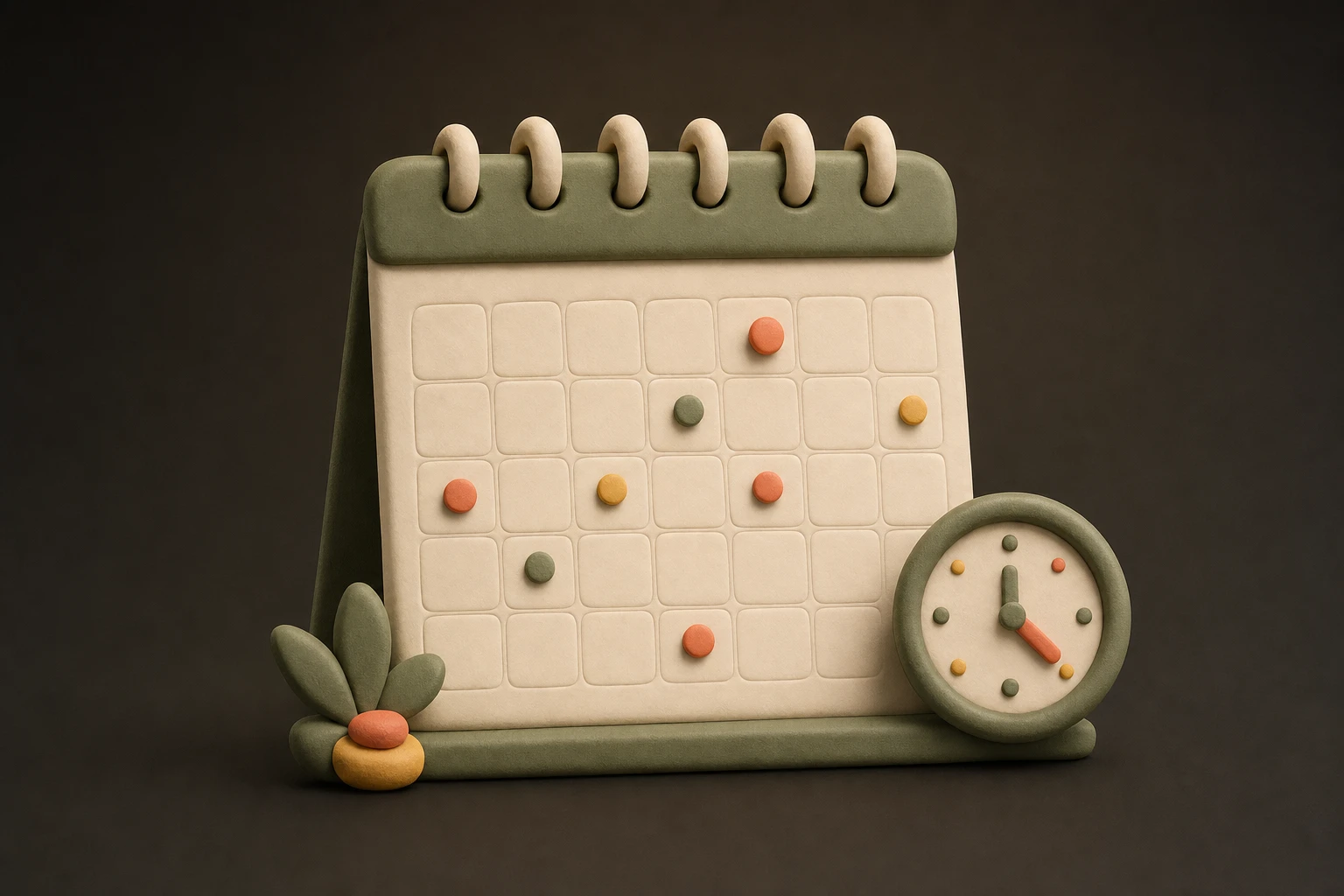
Practices, pickups, and plans in one family view.

Groceries and household notes that stay out of the chat.

Celebrate effort without turning siblings into a leaderboard.
The 14-day trial includes everything. After that, use the free tier or add unlimited kids and chores with Plus.

Starts automatically with no purchase required.
One kid and up to five active chores.
Unlimited kids and chores. $6.99/month or $59.99/year for the household.

Family data stays on your devices by default. Partner Sharing uses your family’s own iCloud rather than ChoreCred servers.
Still deciding? Email support@chorecred.app.
Add each child’s age and answer three quick questions about pets, outdoor space, and whether you have a dishwasher. ChoreCred builds a starter plan for each child. Review it, adjust it, then add some or all of the suggestions.
No. ChoreCred uses profile switching on one shared device, so parents and kids can use the same iPhone without separate kid accounts.
Yes. Partner Sharing keeps chores, approvals, and token balances in step on both parents’ devices through your family’s own iCloud.
No. ChoreCred is an honest token-and-minute ledger the whole family can see. It does not automatically control Apple Screen Time.
The permanent free tier keeps working for one kid and up to five active chores. Plus unlocks unlimited kids and chores for $6.99/month or $59.99/year.
No accounts, analytics, or ads. Family data stays on your devices by default, with optional sync in your family’s own iCloud.